What is a QR Code & How does it solve client workflows?
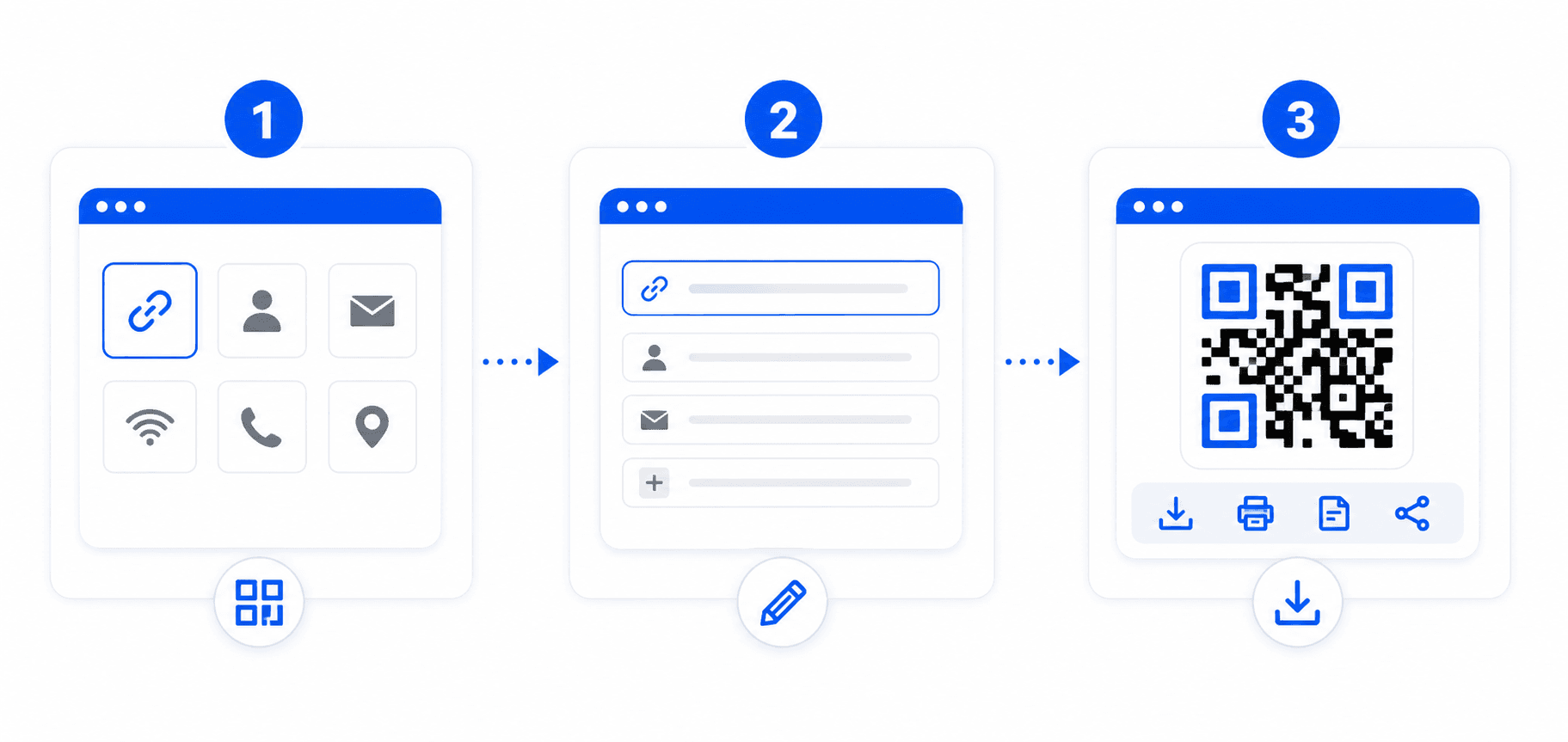
A Quick Response (QR) Code is a two-dimensional matrix barcode invented in 1994 by the Japanese company Denso Wave. Unlike standard linear barcodes that only encode values horizontally, QR codes encode binary blocks both landscape and portrait, increasing data capacity significantly. This allows you to store entire URL web links, WiFi network ssid secrets, emails, SMS templates, or detailed vCard v3.0 business contact files directly inside a printed thumbnail. Modern iPhone and Android smartphone cameras detect these blocks automatically and process actions instantly.
Supported Schema Use Cases of QR & Barcode Generator
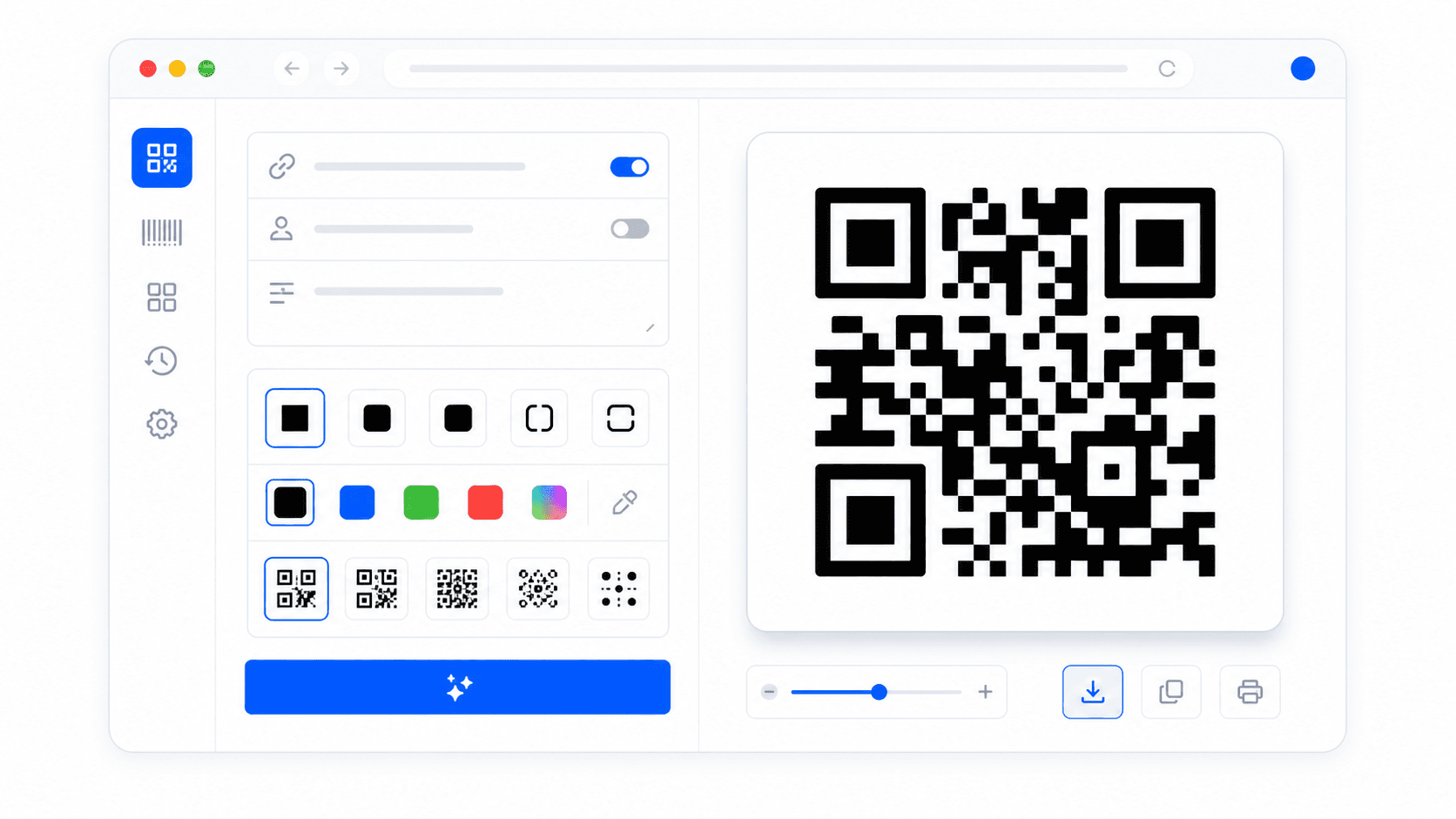
Our generator supports various standardized schema layers matching direct scanning intents:
- QR Code for URL Navigation — Encode standard URLs (e.g., restaurant menus, brochure PDFs, social media handles). Cameras scan the code and open the link on mobile browsers instantly.
- QR Code for WiFi Network SSID — Generate a WiFi credential payload encoding network names and secure keys. Customers join networks automatically without entering passwords.
- QR Code for vCard contact cards — Pack business phone numbers, websites, emails, and full names. Scanners prompts users to save contacts directly to their phonebook.
- Plain Text, SMS, and preloaded Email templates: Configure target directions and subject sheets, triggering instant text messaging or email composition.
Static QR vs Dynamic QR Codes: Which is better?
When using a static QR generator like ours, all data values are permanently woven into the physical design of the pixel matrix. There are no middlemen tracking redirect servers or requiring monthly fees. As long as your link lives, the QR will scan perfectly and remain active forever. In contrast, dynamic QR generators encode a redirect link. This allows you to track scans and edit the target URL later, but it often exposes your user to high latency delays, tracking cookies, and eventual page redirects if the paywalls are not met. For clean, permanent, and privacy-focused operations, static QR codes are the gold standard.