How to Create and Download Barcodes in Three Easy Steps
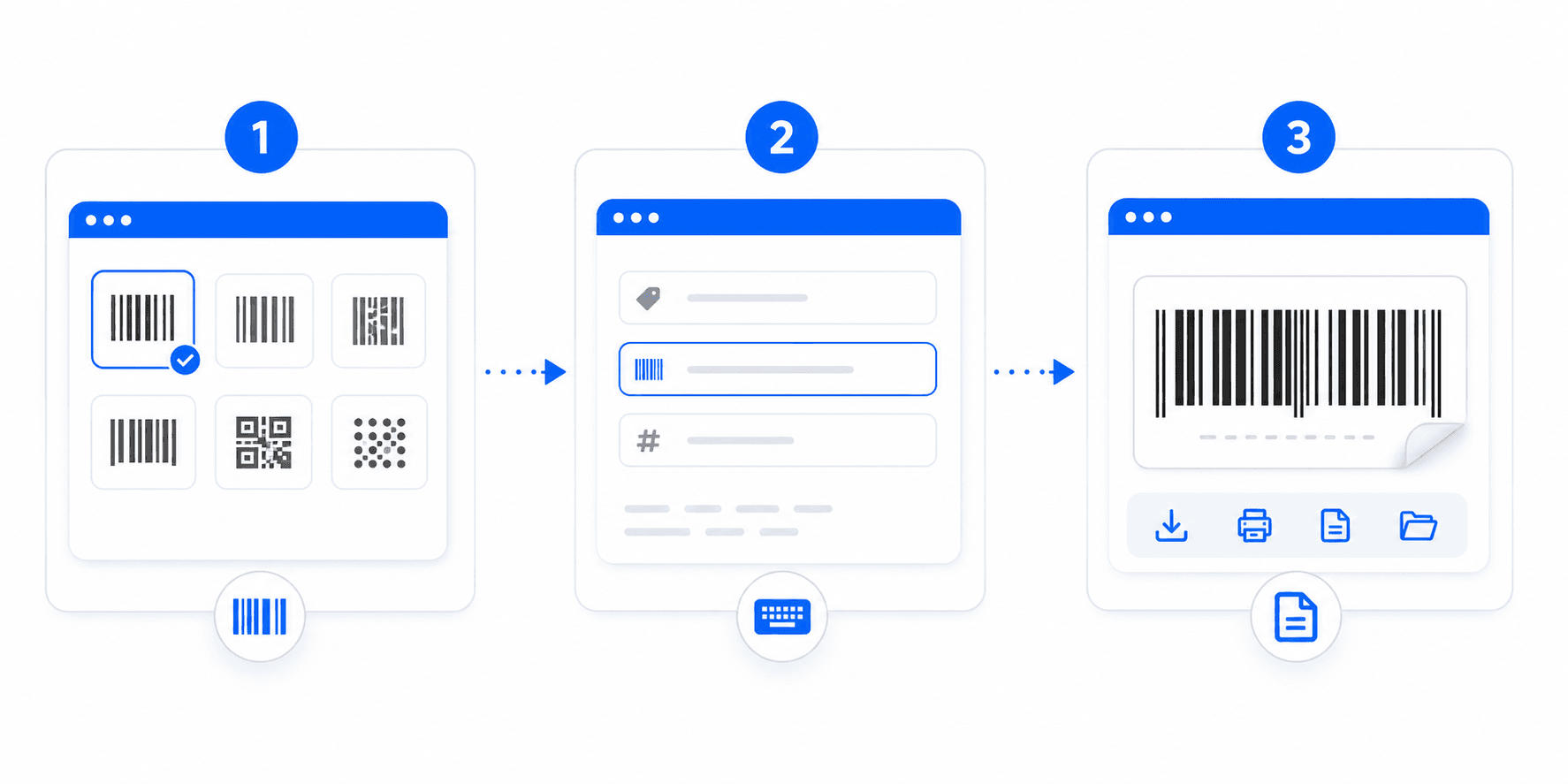
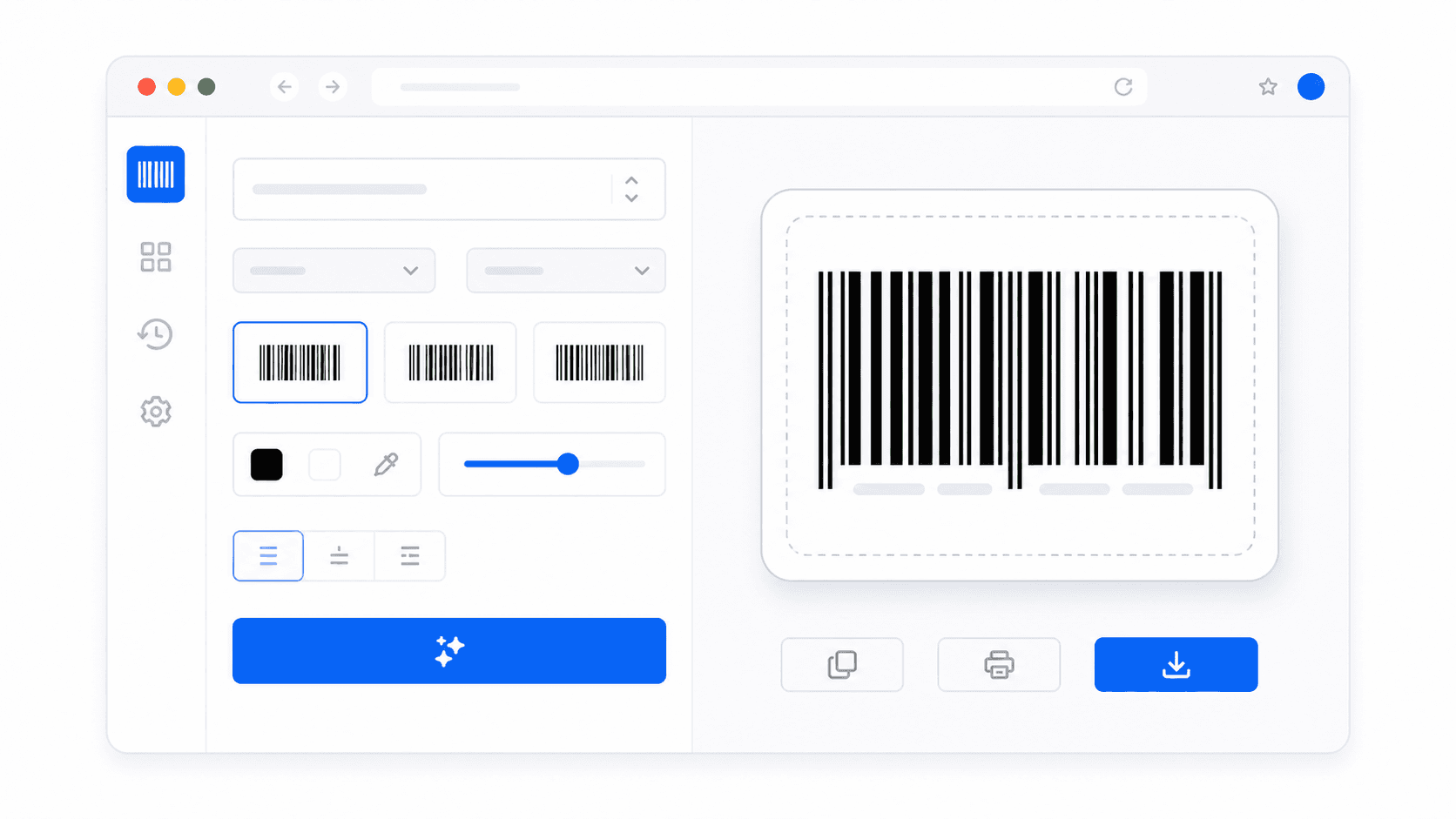
Our free barcode tool runs entirely inside your client browser, allowing high-performance and low latency operations. Here is exactly how to create commercial product barcodes in seconds:
- Choose your format standard: Select EAN-13 or UPC-A for product packaging sold in retail stores, or Code 128/Code 39 for shipping logistics or carton tags.
- Enter barcode data content: Input numerical digits or alphanumeric characters. EAN-13 requires 12 digits (our script calculates the check digit automatically to save you time).
- Tweak visual scaling options: Adjust height sliders and line scale sliders to fits your packaging design. Toggle readable text on or off, and download as PNG, SVG or printable PDF layers.
Supported Industrial Symbologies & barcode standards
Selecting the appropriate symbology for your store checkouts, healthcare tags, or shipping sheets ensures direct compatibility with standard optical hardware:
- EAN-13 Barcode Generator — The global retail gold standard. This format matches 13 digits containing country metrics, manufacturer tags, product ID series, and terminal check values.
- Code 128 Barcode Generator — A high-density alphanumeric specification that can encode ASCII characters. It is the core symbology utilized in packaging, shipping cartons, and logistics labels worldwide.
- UPC-A Barcode Generator — The standard retail labeling standard in North America (USA and Canada), carrying 12-digit numbers mapping commercial goods.
- Code 39 standard: General rugged format used in industry catalog tags, inventory tracking grids, and automotive parts labelling boards.
Why Choose Vector SVG & High-Resolution PNG Exports?
When printing barcodes on labels, clarity is the defining factor for scanner readability. Standard low-quality JPEGs often pixelate on printers, rendering them useless in physical stores. By choosing our **Scalable Vector Graphic (SVG)** export, you download pure mathematical shape XML. This allows you to scale the barcode indefinitely in Photoshop or Illustrator without any blur. Alternatively, our **PNG outputs are pre-rasterized at 3x density** (300 DPI) to make sure standard desktop printers create crisp, laser-ready lines.