Free QR Code for WiFi Generator

Create custom WiFi access connection QR codes for hotels, restaurants, offices, or residential lobbies instantly. WPA configuration support, vector styling, and zero subscription limits.

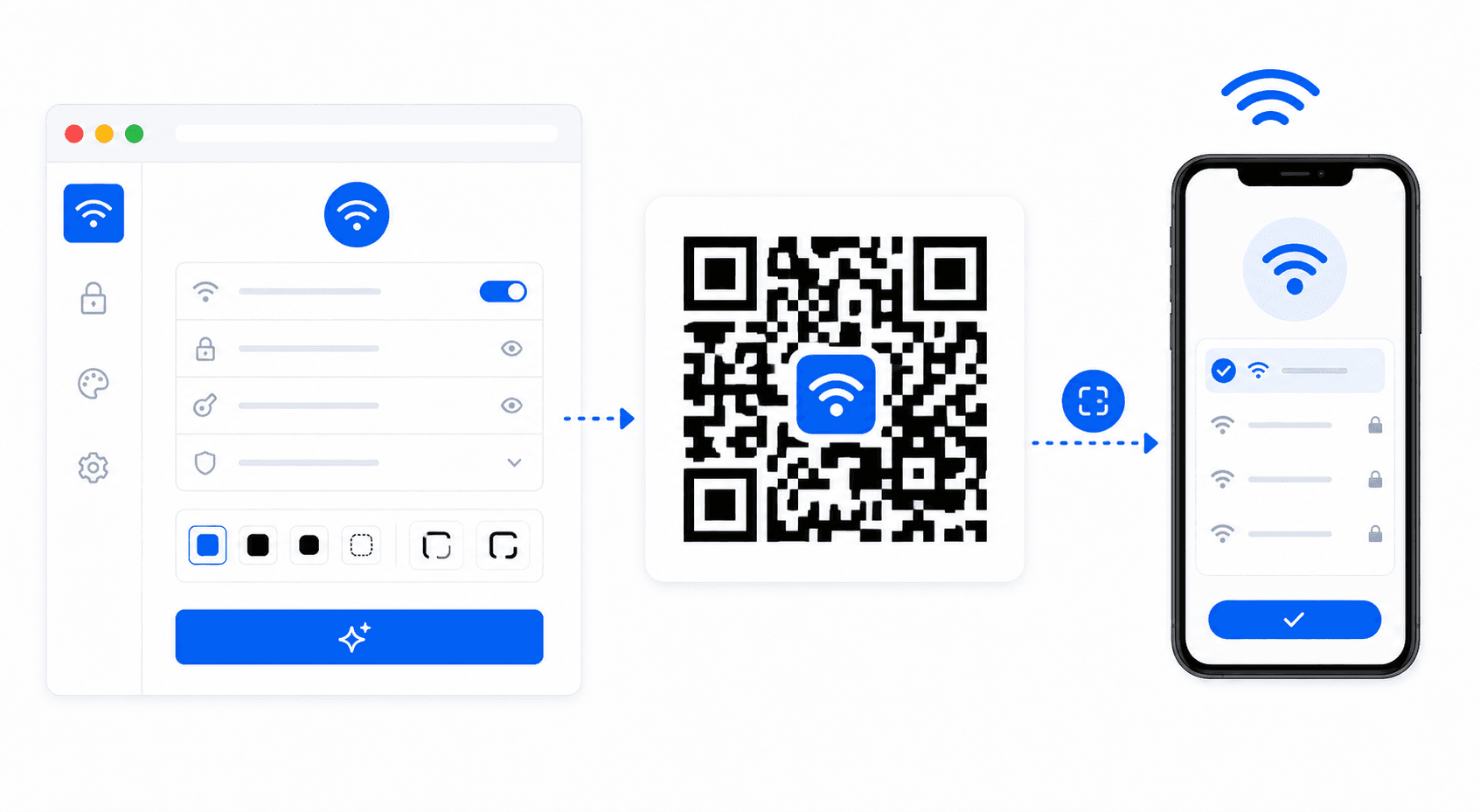
WiFi QR code generation workflow

Instant Contactless Connections: WiFi QR Protocols explained

Sharing password credentials manually can be frustrating for patrons. A WiFi QR code streamlines this process by packing connection credentials into standard schema strings (WIFI:S:SSID_Name;T:WPA;P:Password;;) recognized immediately by mobile devices:

  • SSID Network Flag (S:): Instructs the mobile device which broadcast wireless frequency point to connect with.
  • Encryption Type (T:): Declares whether the wireless access point is configured on WPA2 (standard), WEP, or Unsecured nopass layers.
  • Pre-Shared Key (P:): Encodes the actual password string. The client phone inserts the credentials automatically behind the scenes.
Frequently Asked Questions

Select the WiFi tab in the generator above. Input your SSID (exact WiFi name), input your security password, and select WPA/WPA2 security. Adjust styling colors to fit your layout, and click to export your custom QR.

Yes! Android and iOS camera apps parse standard WiFi SSID protocols natively. When scanned, phones prompt users with a "Join Network" alert window, connecting them on the spot without password input.

No. All security strings and passwords compile into binary blocks locally inside your client processor browser Cache. Standard privacy controls make it completely safe to encode office networks here.

We recommend downloading the "Export SVG" vector format or 300 DPI high-quality PNG. Print the code onto signs, desk displays, or adhesive cards and place them on check-in counters.

Explore Our Electronic Utilities

Discover other free tools designed to simplify your inventory and marketing workflows.