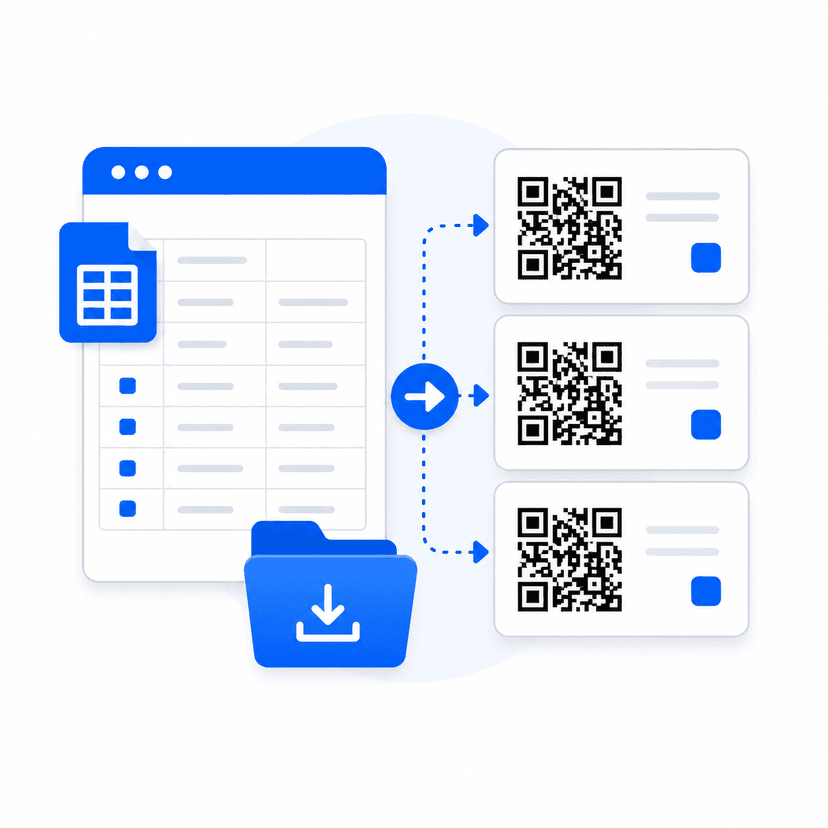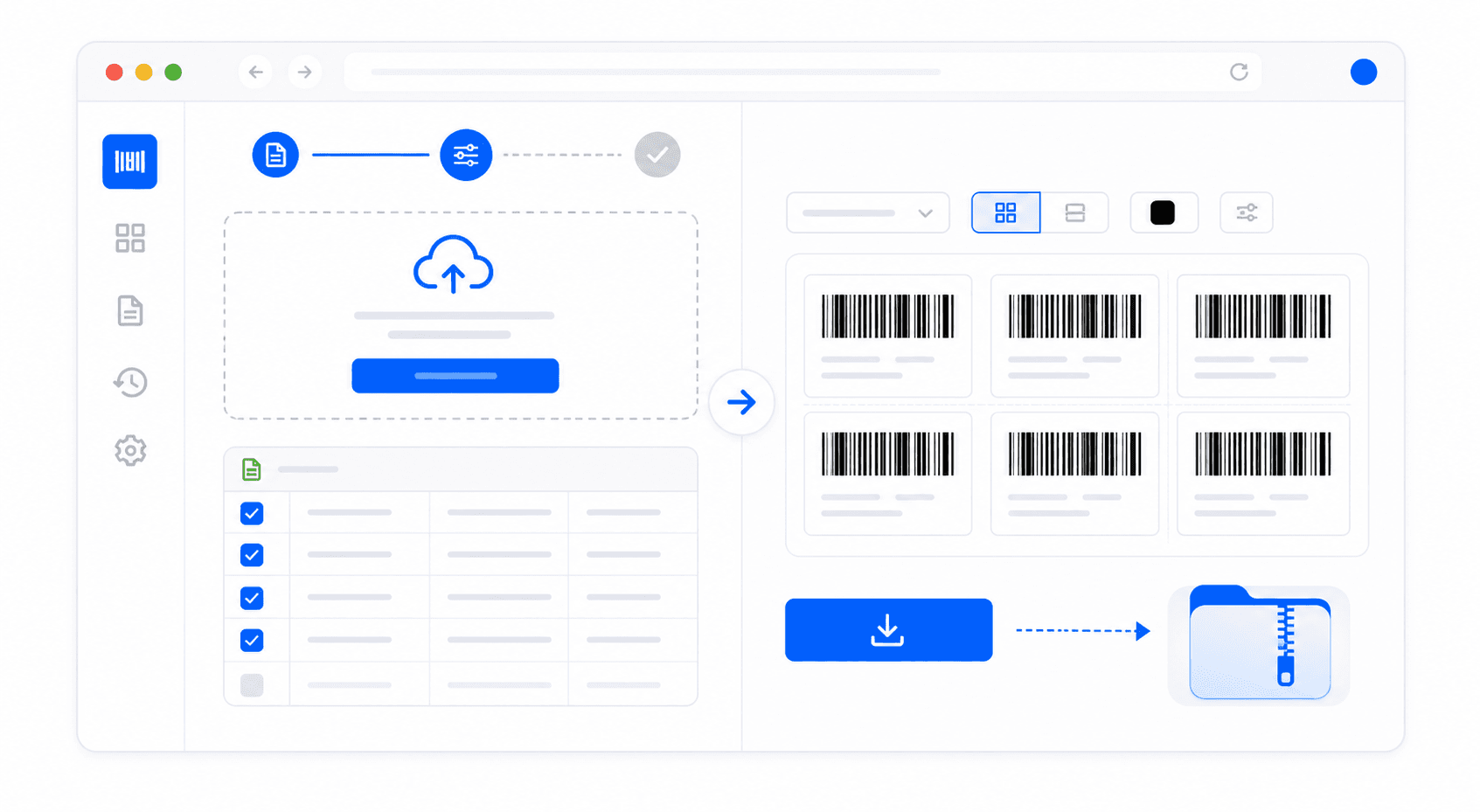
Free Bulk Barcode Generator Online

Convert comma-separated data tables into hundreds of high-resolution digital barcodes instantly. Fully client-side processing, downloadable ZIP extraction templates, and support for EAN-13, UPC-A, Code 128, and Code 39.

Bulk barcode generation from CSV preview

Need a CSV template?

Download our formatted spreadsheet template mapping out columns automatically.

Click to select CSV file, or drag and drop here

Supports up to 5MB file sizes containing up to 500 rows maximum.

Automate Label Processing Workflows with Fast Batch Generators
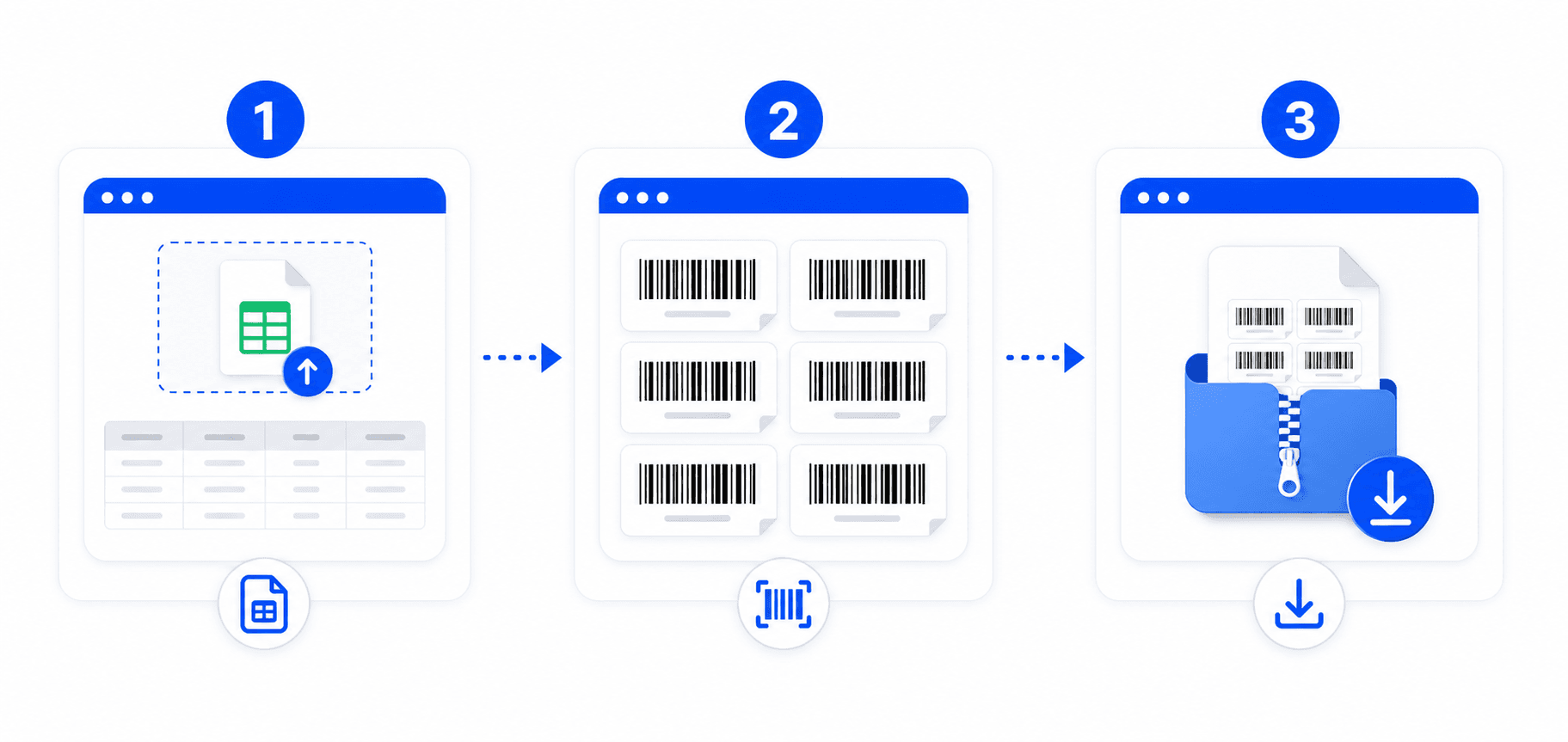
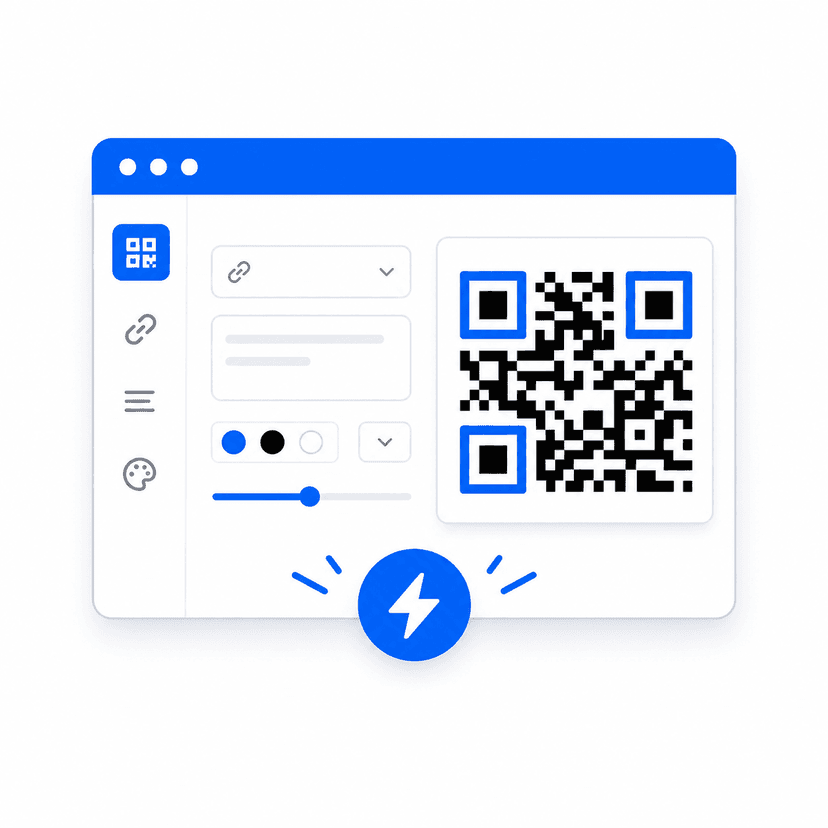
Bulk barcode generation steps diagram

When managing large warehouses, launching retail items, or organizing event registrations, generating barcodes manually one-by-one is highly inefficient. Our Bulk Barcode Generator resolves this issue by converting entire CSV database collections in a single click. By using modern in-browser compiling layers, the tool executes loops locally without routing requests to backend databases. This avoids networking bottleneck lags, server timeout issues, and privacy risks, enabling instant compiling of hundreds of barcodes.

Best practices to avoid scanning issues on printed sheets

To make sure your generated assets scan perfectly down the line, follow these core printing guidelines:

  • Always review column formats: Make sure EAN-13 rows contain strictly 12 digit numbers, UPC-A rows contain 11 digit numbers, or Code 128 and Code 39 rows contain supported ASCII symbols.
  • Verify Quiet Zone dimensions: Let our generator print borders naturally. Cropping or resizing image files tightly to barcode lines often results in scanner reading failures.
  • Opt for high-contrast colors: Keep bar colors dark (#000000) and background colors white (#FFFFFF). Using low-contrast color lines (like yellow on off-white backgrounds) degrades light scanners and smartphone cameras.

How the browser-based zipping system works

Our batch engine processes records in structured chunks of 50, briefly yielding execution threads to the event loop. This prevents browser freeze screens and ensures the progress loader stays fully responsive. Once the loops complete, individual image binaries are mapped into a virtual folder directory managed by `JSZip`, and compiled into a single binary ZIP file. The browser then triggers local download saving without server routing, protecting your inventory database completely.
Frequently Asked Questions

Your CSV file must include a column header called "data" (case-insensitive). You can optionally add a "label" column to name individual barcode files during extraction. For EAN-13, map 12-digit numbers in the data column. Make sure there are no blank rows or alphanumeric formatting on numeric-only standards.

Yes, bulk generation is constrained to a maximum of 500 records per uploaded CSV file. This limit is set to guarantee high performance and check that browser processes do not freeze your main system threads. For list counts exceeding 500, simply split your spreadsheet list into separate smaller files and process them sequentially.

Absolutely not. All parse routines (PapaParse execution, JsBarcode calculations, and JSZip compilation) run entirely client-side inside your own local browser. Not a single row of data is sent to our servers, keeping sensitive retail inventories and warehouse codes completely private.

Once generation completes, a compiled ZIP file containing high-resolution PNGs is downloaded to your device automatically. On Windows, right-click the ZIP and select "Extract All". On macOS or iOS, double-click the zip container to extract image files into local folders instantly.

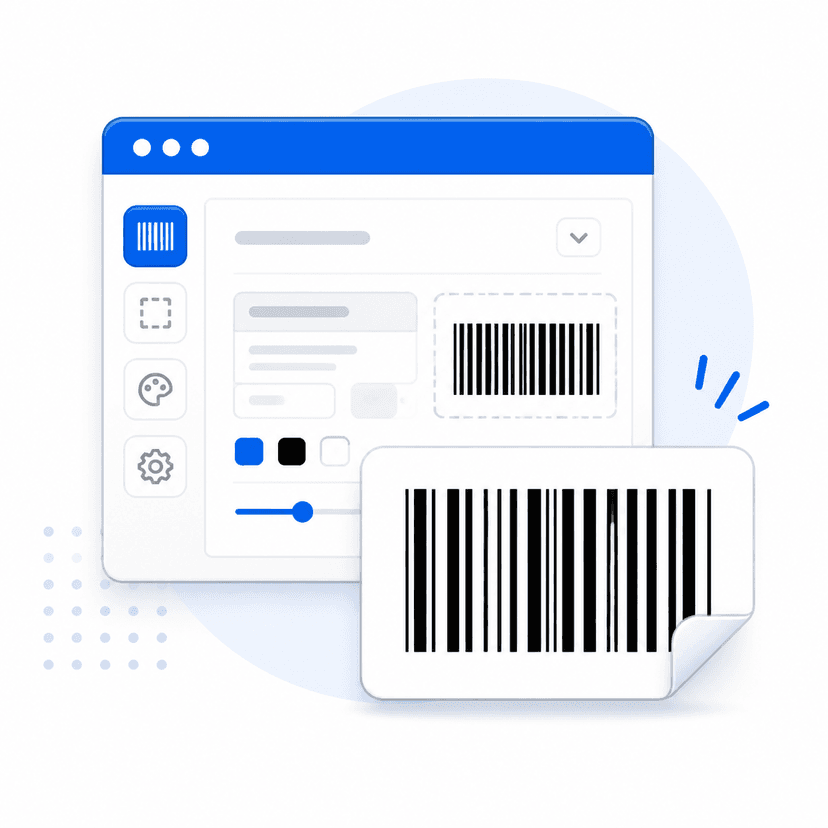
Our bulk barcode engine uses optimized industry-default sizing guidelines (2px bar thickness and 80px barcode heights) to confirm that compiled labels match exact layout standards and stay easily scannable on standard warehouse crates.

Explore Our Electronic Utilities

Discover other free tools designed to simplify your inventory and marketing workflows.