
Step-by-Step Guide to setting up free digital QR Menus
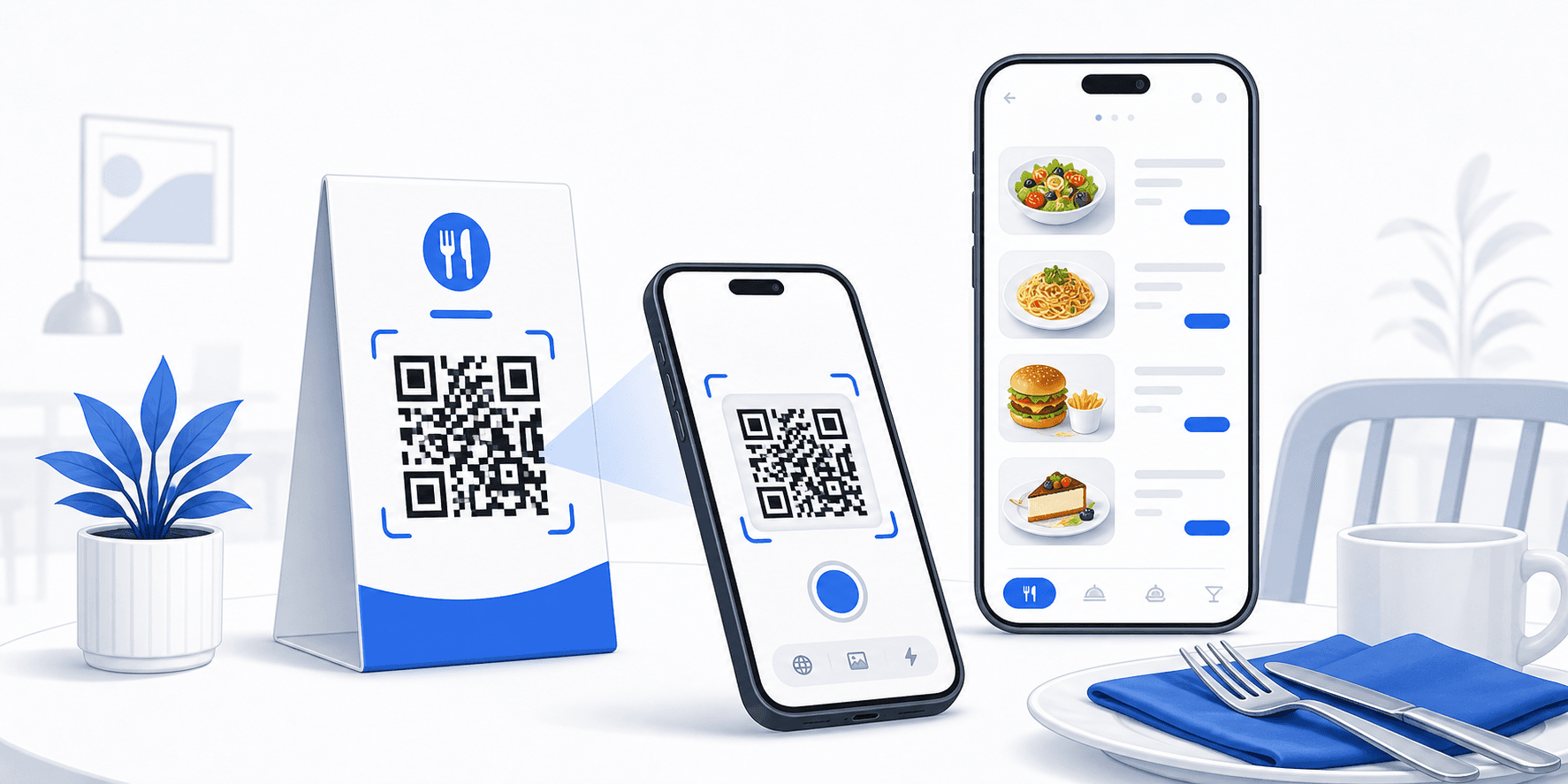
Digitizing dining menus is a cost-effective way to update dish pricing on the fly, offer multi-lingual options, and reduce design printing budgets in restaurant workflows. Here is how to implement a fully static web QR menu free:
1. Host Your Menu PDF or Website Online
Upload your restaurant menu PDF onto your website hosting, a public Google Drive folder, or an e-ordering platform. Double-check that your sharing options are set to "Anyone with the link can view" so mobile devices can access the document.
2. Encode the URL into a Static QR Code
Enter the full menu URL (e.g. https://mycafe.in/menu.pdf) into our QR Code Generator. Tweak colors to match your establishment's brand, and download as PNG or vector SVG of high quality.
3. Print and Place the QR codes strategically
For maximum durability, print the QR codes onto table card holders, sticker sheets, or metal plaques and place them on dining tables. Adding a call-to-action phrase below the code like "Scan to view menu" drives engagement.
Need to print and export custom barcodes?
Compile bulk CSV spreadsheets or single assets for packaging layouts using our 100% free offline algorithms.
Frequently Asked Questions
If you host the menu PDF at a fixed URL, you can overwrite the PDF file on your server. Since the target URL remains identical, your printed QR codes will redirect to the updated menu automatically.
WiFi or URL QR codes printed on table tables should be at least 2cm x 2cm to ensure standard smartphone camera models scan them effortlessly.